


Description
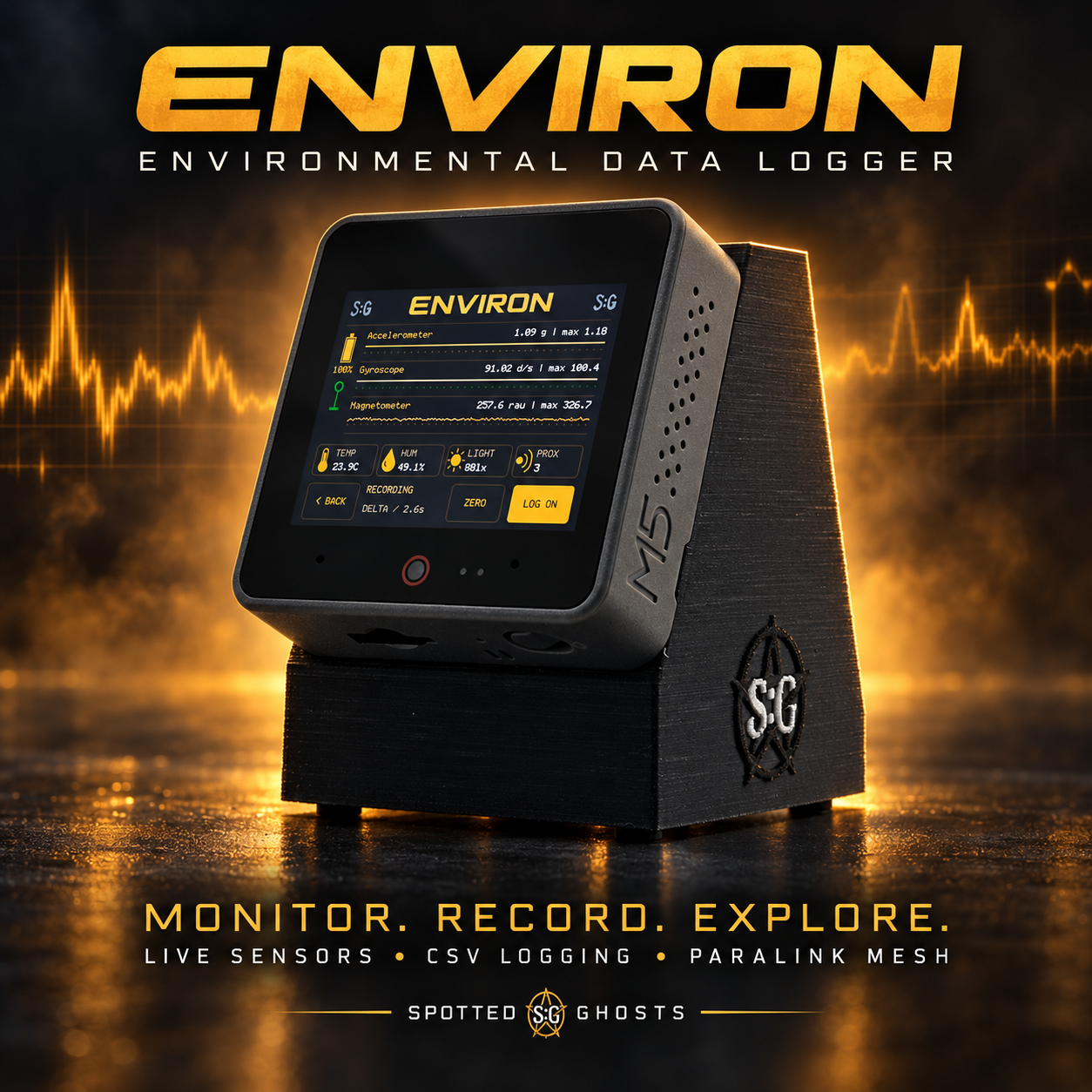
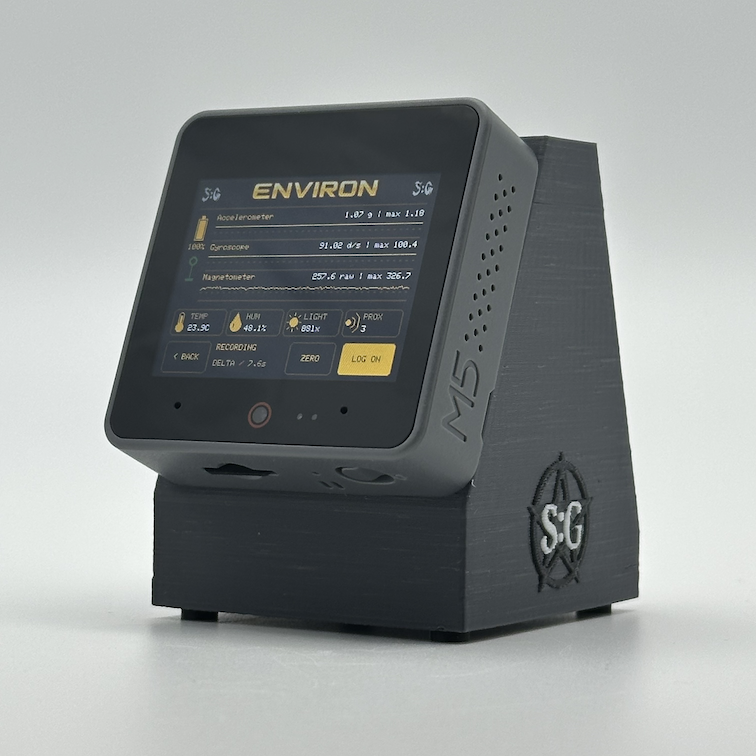
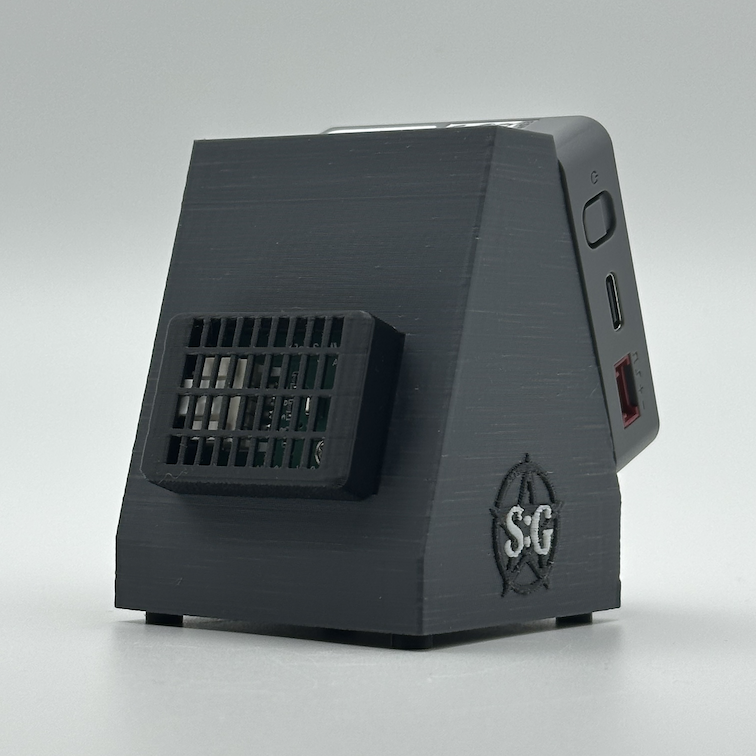
ENVIRON™ is a portable environmental monitoring system that brings live sensor readings, moving graphs and recorded data together in one compact, touchscreen, device. 📊
Designed for paranormal investigators, researchers, explorers and tech enthusiasts, ENVIRON helps you observe and record changes in your surroundings.
🌡️ Monitor Your Environment
ENVIRON brings together seven sensor measurements:
- Temperature — monitor surrounding air temperature.
- Humidity — track relative humidity.
- Magnetometer — observe changes in the magnetic field around the device.
- Accelerometer — measure acceleration and changes in device movement or orientation.
- Gyroscope — monitor rotation of the device.
- Light — observe changes in ambient light levels.
- Proximity — monitor the proximity sensor’s response to nearby objects.
View readings together to help identify patterns and understand what was happening around the device during a recording.
📈 Live Sensor Graphs
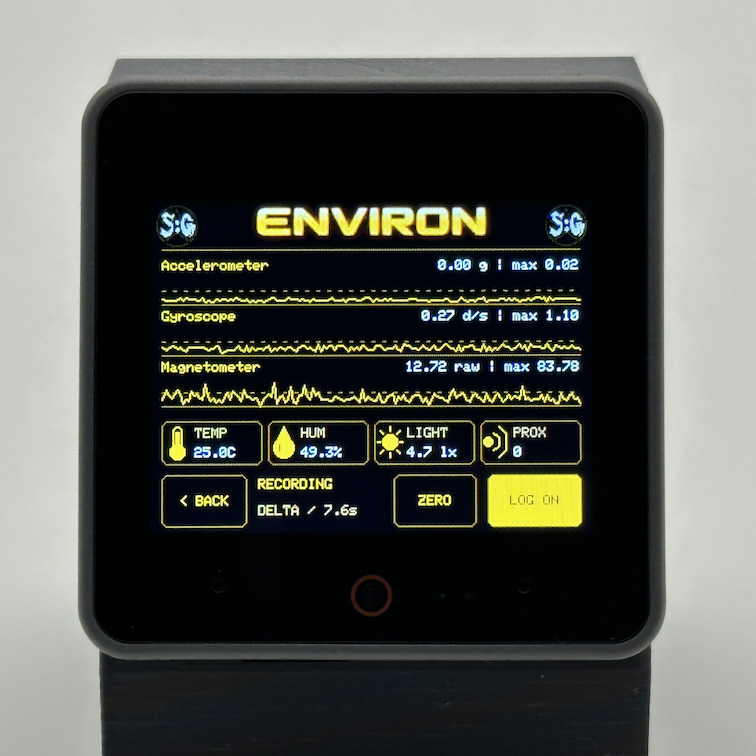
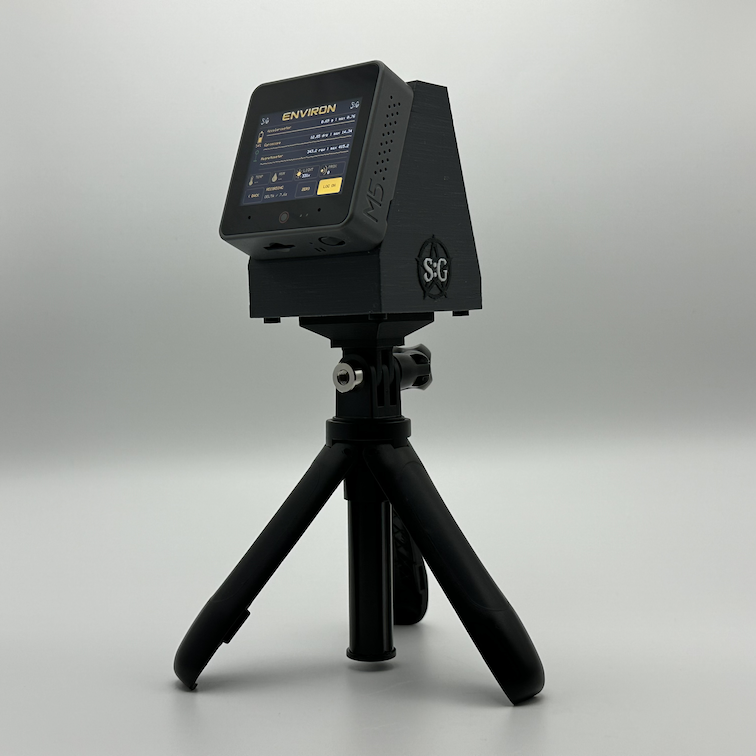
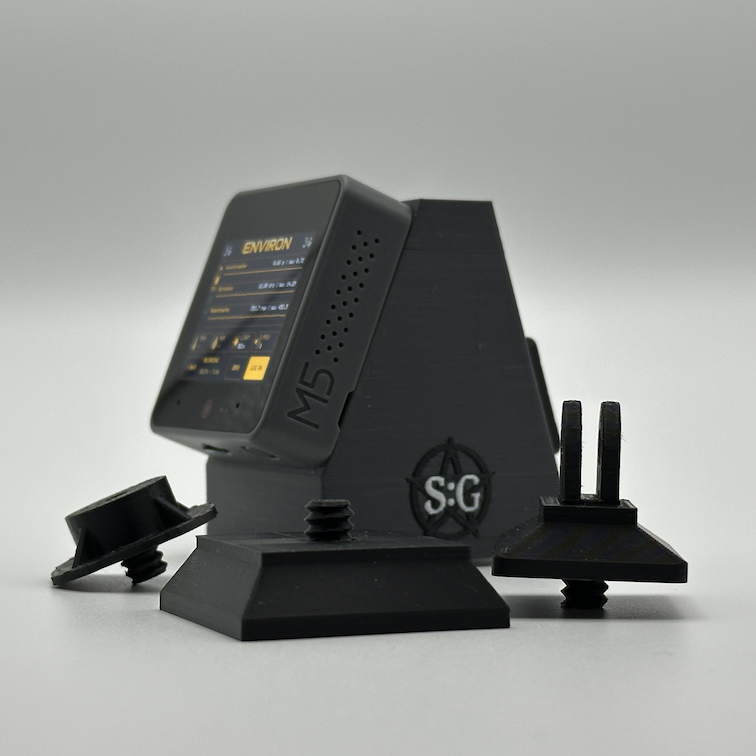
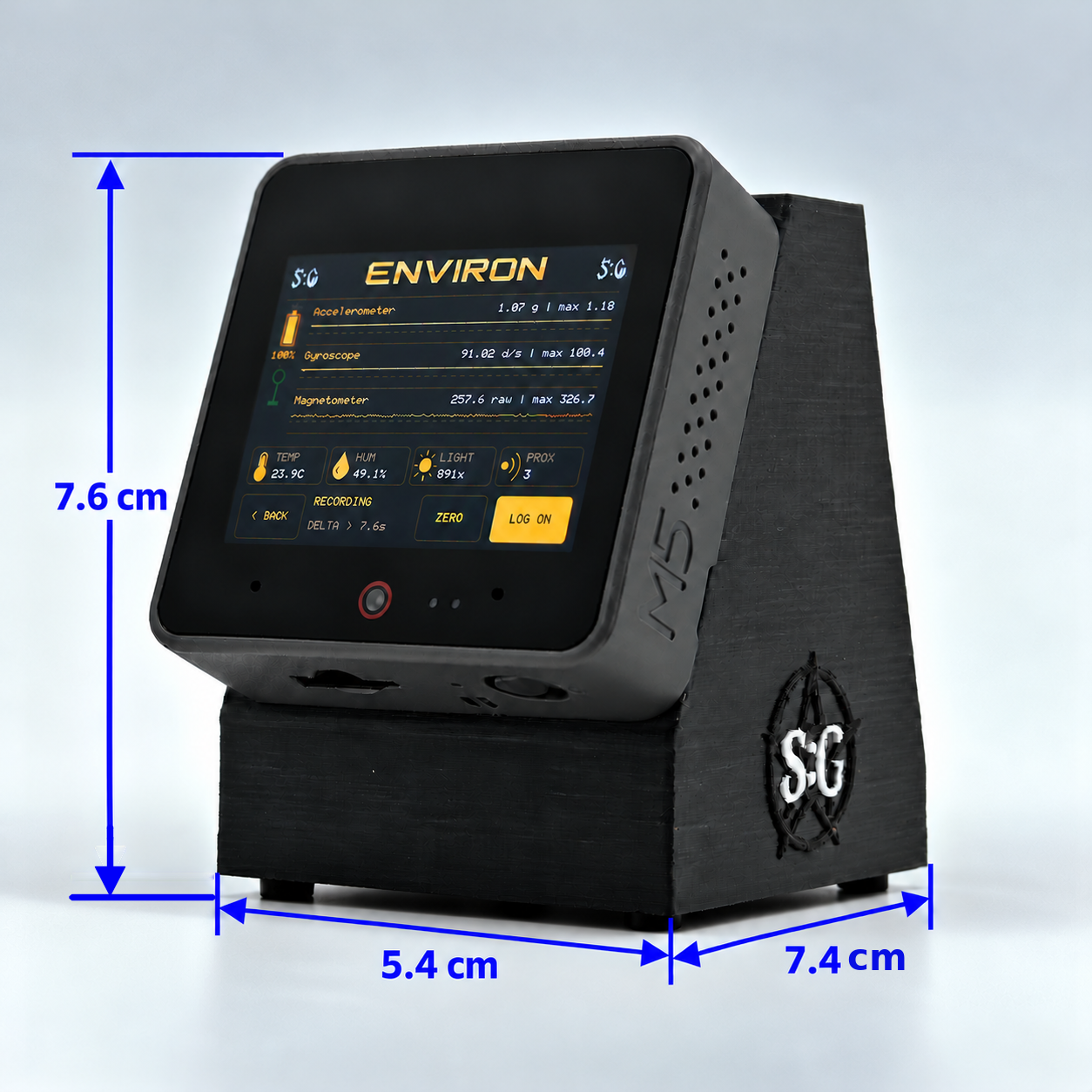
ENVIRON features an amber-themed display with moving graphs for the accelerometer, gyroscope and magnetometer, alongside temperature, humidity, light and proximity readings.
Features include:
- Scrolling graphs
- Automatically adjusting graph scales
- Live changes relative to a reference reading
- A ZERO control to reset the graph reference
- Touchscreen recording controls
Resetting the graph reference lets you observe changes from a new starting point. Raw motion and magnetic sensor readings are still retained in the recorded CSV data.
💾 CSV Data Logging
Record sensor readings directly to an SD card for later review.
- Record multiple sensor measurements together
- Save data in standard CSV format
- Create date-and-time-named files when a valid clock time is available
- Start and pause recording using the touchscreen
- Open recordings in compatible spreadsheet and analysis software
Logging runs while the environmental monitoring screen is open, making ENVIRON suitable for observing and recording a location over a session.
📂 Review Recordings On the Device
ENVIRON includes a built-in file browser so you can review saved recordings without immediately transferring them to a computer.
- Browse saved files
- View recorded CSV contents
- Display graphs of recorded sensor changes
- Switch between sensor graphs
- Delete unwanted files
Review a recording on location, then transfer the CSV file for more detailed analysis later.
🕒 Date, Time & Accurate Record Keeping
ENVIRON uses an onboard RTC (Real Time Clock) to keep track of the date and time.
- Set the date and time through the touchscreen
- Automatically synchronise the clock when connected to the internet
- Use date and time information to organise recordings
- Retain elapsed-time measurements within each log
This helps you keep recordings organised and compare them with your investigation notes.
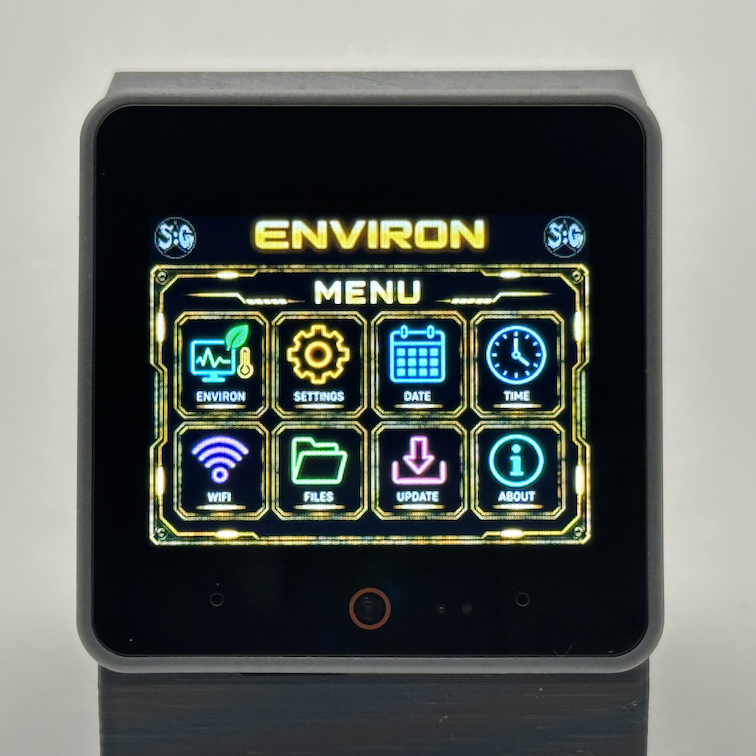
🌐 Wi-Fi & Firmware Updates
Built-in Wi-Fi connectivity keeps ENVIRON connected when a network is available.
- View Wi-Fi and internet connection status
- Check signal strength and the device’s IP address
- Check for available firmware updates
- Download and install firmware updates through the device
- View ParaLink connection status
📡 ParaLink Mesh — Remote Monitoring & Control
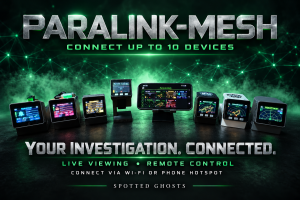
The Environ doesn’t work in isolation — it can also be linked into our ParaLink-Mesh app (CLICK HERE FOR MORE INFO).
This allows you to connect multiple devices together, creating a network of Spotted: Ghosts Devices that share data in real time. By integrating with ParaLink-Mesh, your Environ becomes part of a larger system, making your investigations more immersive, interactive, and collaborative.

Connect ENVIRON to the ParaLink Mesh Android app to monitor your device remotely from your phone or tablet.
Place ENVIRON in the area you want to observe, then view its live readings and sensor activity from elsewhere within your Wi-Fi network’s coverage.
- Live screen mirroring — view ENVIRON’s display remotely.
- Live sensor data and graphs — follow environmental changes as they happen.
- Remote touchscreen controls — interact with ENVIRON through the app.
- Remote recording controls — start or pause SD card logging.
- Remote ZERO control — reset the graph reference from your phone.
- Multiple-device monitoring — connect ENVIRON alongside other compatible Spotted Ghosts devices.
Two Ways to Connect
Through a Wi-Fi router
Connect your phone and ENVIRON to the same local network. ENVIRON automatically discovers the running ParaLink Mesh app and connects.
Through your phone’s hotspot
Turn on your phone’s hotspot and connect ENVIRON to it, then open ParaLink Mesh.
No internet connection is required for local monitoring and control. Keep ParaLink Mesh open and ensure your network allows connected devices to communicate. Range depends on your network coverage and surroundings.
CSV recordings remain stored on ENVIRON’s SD card.
💻 ENVIRON Viewer — Explore Your Recordings
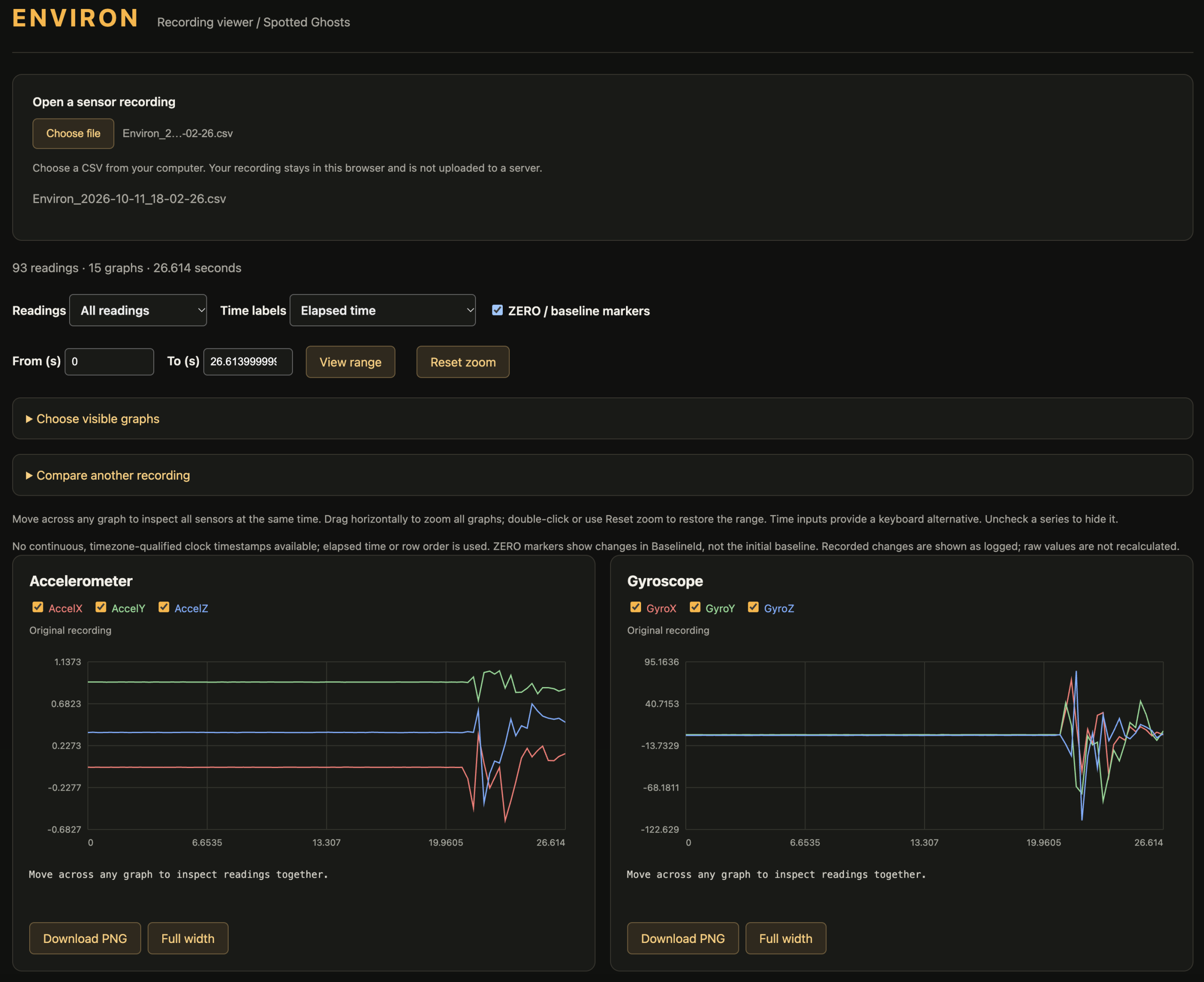
Take a closer look at your recorded data with the ENVIRON Viewer (CLICK HERE), a browser-based tool for viewing your device’s CSV recordings as larger, interactive graphs.
Transfer a recording from ENVIRON’s SD card to your computer, open the viewer and select your CSV file.
- Large sensor graphs — explore the measurements stored in your recording.
- Linked graph cursors — inspect readings across multiple sensors at the same point in time.
- Zoom into activity — drag across a graph or enter a time range to examine a particular section.
- Raw and change views — switch between raw measurements and recorded changes.
- ZERO reference markers — see where recorded baseline changes occurred.
- Customisable layout — choose which graphs to display and expand individual graphs to full width.
- Compare two recordings — overlay matching sensor data and adjust their time alignment.
- Download graph images — save PNG images with the recording filename, graph legend and selected time range for reports or sharing.
The viewer displays recorded clock times where suitable timestamps are available, otherwise using elapsed time.
Your recordings are processed locally in your browser—not uploaded to a server. No account is required to use the downloadable viewer.
🔋 Portable & Rechargeable
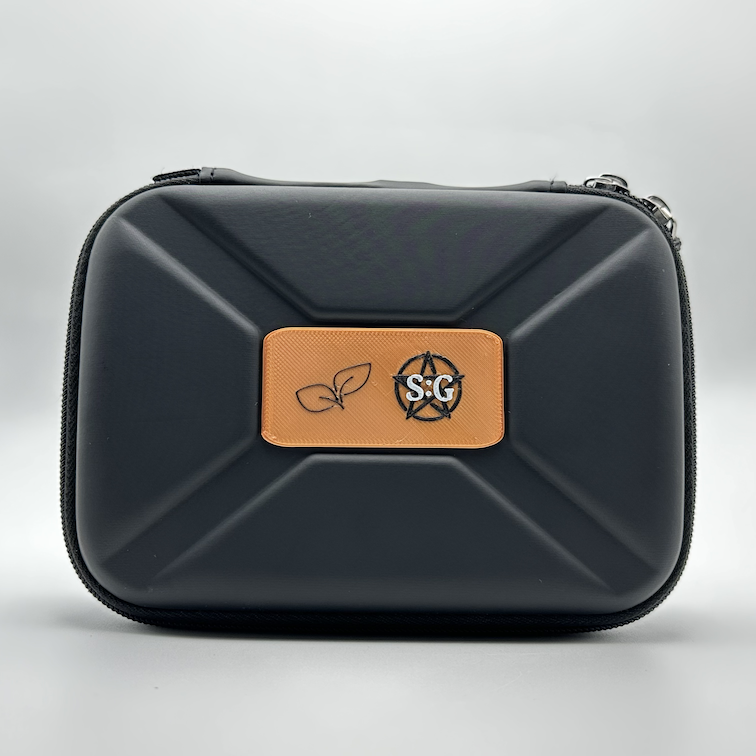
ENVIRON combines a rechargeable, handheld platform with a touchscreen interface designed for use in the field.
Its amber display presents sensor activity clearly, with live graphs and readings available on one monitoring screen.
Place the device on a stable surface when you want to observe a location with less influence from handling or movement.
👻 Ideal For
- Environmental recording during paranormal investigations
- Comparing conditions across locations
- Observing temperature and humidity changes
- Monitoring light and nearby-object changes
- Motion and magnetic-field experiments
- Educational projects
- Tech enthusiasts and content creators
Suitable for age 14+
⚠ Disclaimer
ENVIRON™ records physical sensor measurements and is intended for experimental and observational use.
 Made to Order
Each Environ is made to order. We aim to build and dispatch your device within one week of purchase, although delays can occasionally occur.
If your order is delayed, we’ll contact you by email with an update and a revised estimated dispatch date.
Please note that this timeframe covers production and dispatch; delivery time will depend on your location and shipping service.
Current Firmware: v1.0
Reviews
There are no reviews yet.